
Paste HTML for Live Preview & Editing
Render raw or AI-generated HTML code instantly on a visual canvas.
Preview
After entering code, click the button below to generate preview
Templates
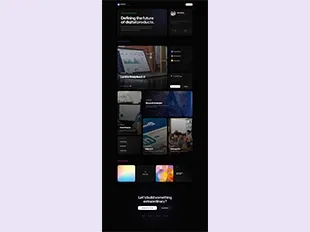
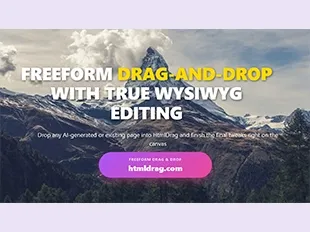
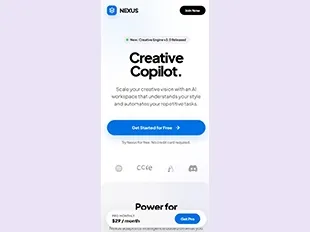
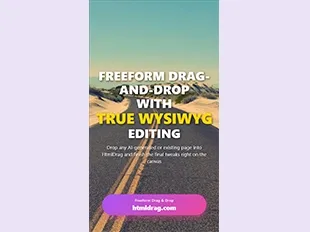
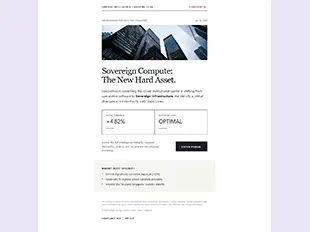
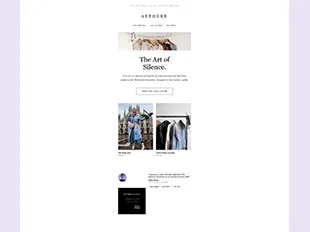

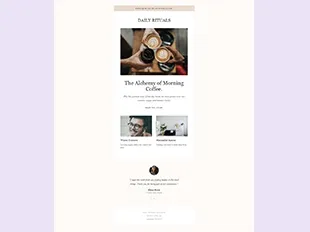
Go from raw code to a page you can see and refine
Paste HTML, CSS or SVG, see the page render instantly, and finish AI-generated or hand-written code visually—without setting up a local project.
- 01
Paste a full page or snippet from an AI coding tool, template library or your own project.
- 02
Render the code as a real page immediately instead of judging the result from source alone.
- 03
Edit text, images, layout and styles directly on the visual canvas.
- 04
Save, share or export the refined HTML when the final visual pass is done.
Turn pasted code into a finished visual page
Render HTML, CSS or SVG instantly, make the visual fixes that matter, then save, share or export the refined HTML.
01—04
Paste code, preview it and finish visually
- 1Paste raw HTML, CSS, SVG, or AI code into the input box above.
- 2Click preview to render the code instantly without local setup.
- 3Inspect elements, fine-tune layout, and apply targeted refinements.
- 4Export the finished HTML or copy clean code for your workflow.
Looking for another way to bring in your HTML?
Seamlessly switch between raw code, local files, or public URLs on the visual canvas.