
Edit HTML Files Online
Open local .html or .htm files and edit visually without rebuilding from scratch.
Click to select or drag and drop a file
Supports .html / .htm, max 5MB (Pro: 10MB, Pro Max: 20MB)
Files will be scanned automaticallyPreview
Upload a file to preview here
Templates




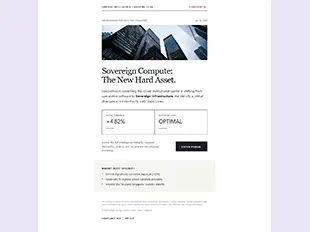



Edit the HTML you already have—without rebuilding it
Open the HTML you already have and change the real page visually—without rebuilding its structure from scratch.
- 01
Open local .html or .htm files from templates, AI coding tools, email workflows or older projects.
- 02
Keep the existing structure, content and assets as your starting point.
- 03
Update copy, images, layout and styles directly on the visual canvas.
- 04
Save a new version, share it for review or export standalone HTML for the next workflow.
Bring existing HTML to its finished form
Keep the structure and assets you already have, refine the page visually, then save, share or export a clean standalone HTML result.
01—04
Open an HTML file and keep editing
- 1Select or drop your .html / .htm file into the box above.
- 2HtmlDrag parses the layout and opens a live visual preview.
- 3Double-click text, swap images, and adjust styling on the canvas.
- 4Save your version, share a link, or export clean standalone HTML.
Looking for another way to bring in your HTML?
Seamlessly switch between raw code, local files, or public URLs on the visual canvas.