
Pinterest Predicts 2026 just dropped, revealing that trends now spread 4.4x faster than seven years ago. For indie hackers and startup founders, this means one thing: whoever ships faster wins.
You've probably seen Stripe's pricing page—clean, professional, high-converting. Many founders want a similar page for their product, but the reality is: either spend thousands on a designer, or spend days writing code yourself.
This guide shows you a shortcut: use URL Import to grab Stripe's pricing page and turn it into your own—5 minutes, zero code.
Why Reference Stripe's Design
Stripe's pricing page is widely considered the gold standard in SaaS:
- Clear plan comparison — Users instantly understand the differences
- Highlighted value props — Each tier's benefits are obvious
- High-converting CTAs — Button design drives action
The problem? Building a page like this from scratch requires: design mockups → slicing → HTML/CSS coding → endless debugging. For time-strapped founders, that's way too slow.
Traditional Approach vs. URL Import
Traditional approach:
- Hire a designer (3-5 days, thousands of dollars)
- Or code it yourself (1-2 days, bug-prone)
- Or learn Webflow (steep learning curve)
URL Import:
- Paste Stripe's pricing page URL
- Click and edit directly on the page
- Export HTML, deploy
Total time: 5 minutes. What you see is what you get.
Demo: Turn Stripe's Pricing Page Into Yours
Let's walk through a real scenario: you're a SaaS founder who wants a Stripe-style pricing page.
Step 1: URL Import Stripe's Pricing Page
Go to htmldrag.com, use "Get from URL", and paste Stripe's pricing page:
The page loads instantly in the editor—every element is now clickable and editable.
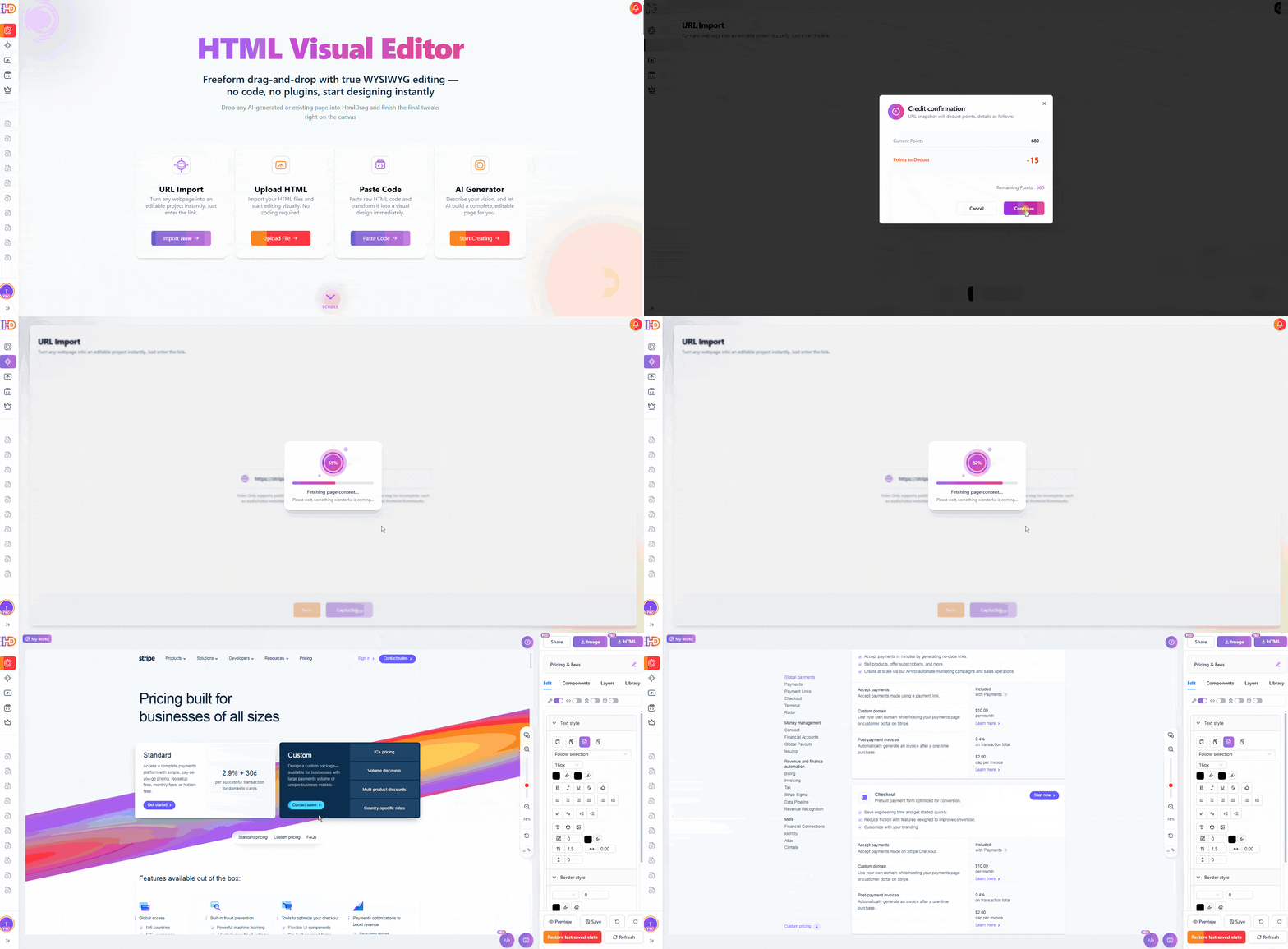
Paste Stripe's pricing URL, page becomes editable instantly
Step 2: Replace with Your Brand
Click on "Stripe" and replace it with your own brand name. Headlines, subheadlines—all directly editable.
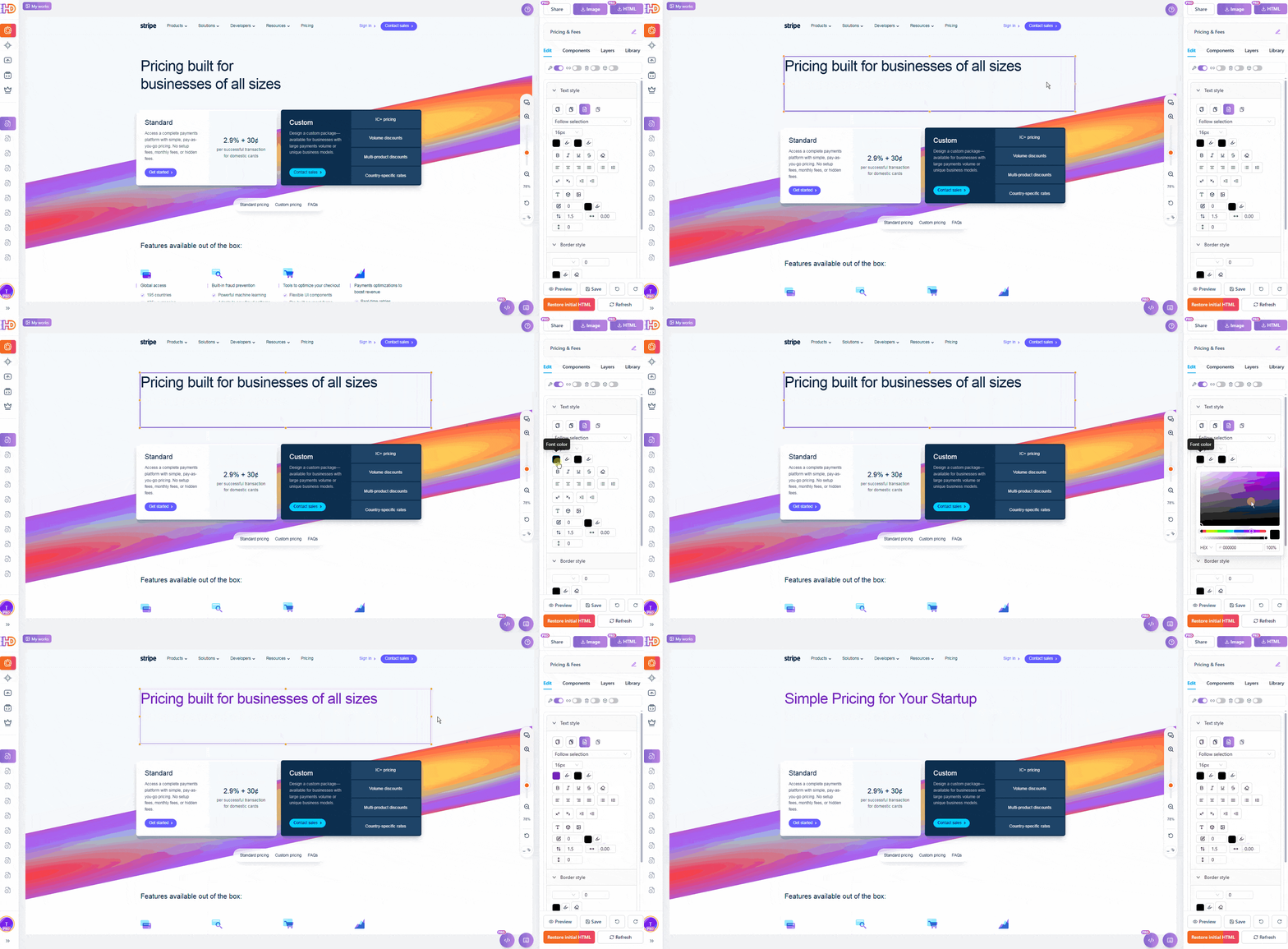
Click text to edit, swap in your brand
Step 3: Adjust Pricing and Plans
Click price numbers to change them. Click plan names and feature lists to update with your product's value props.
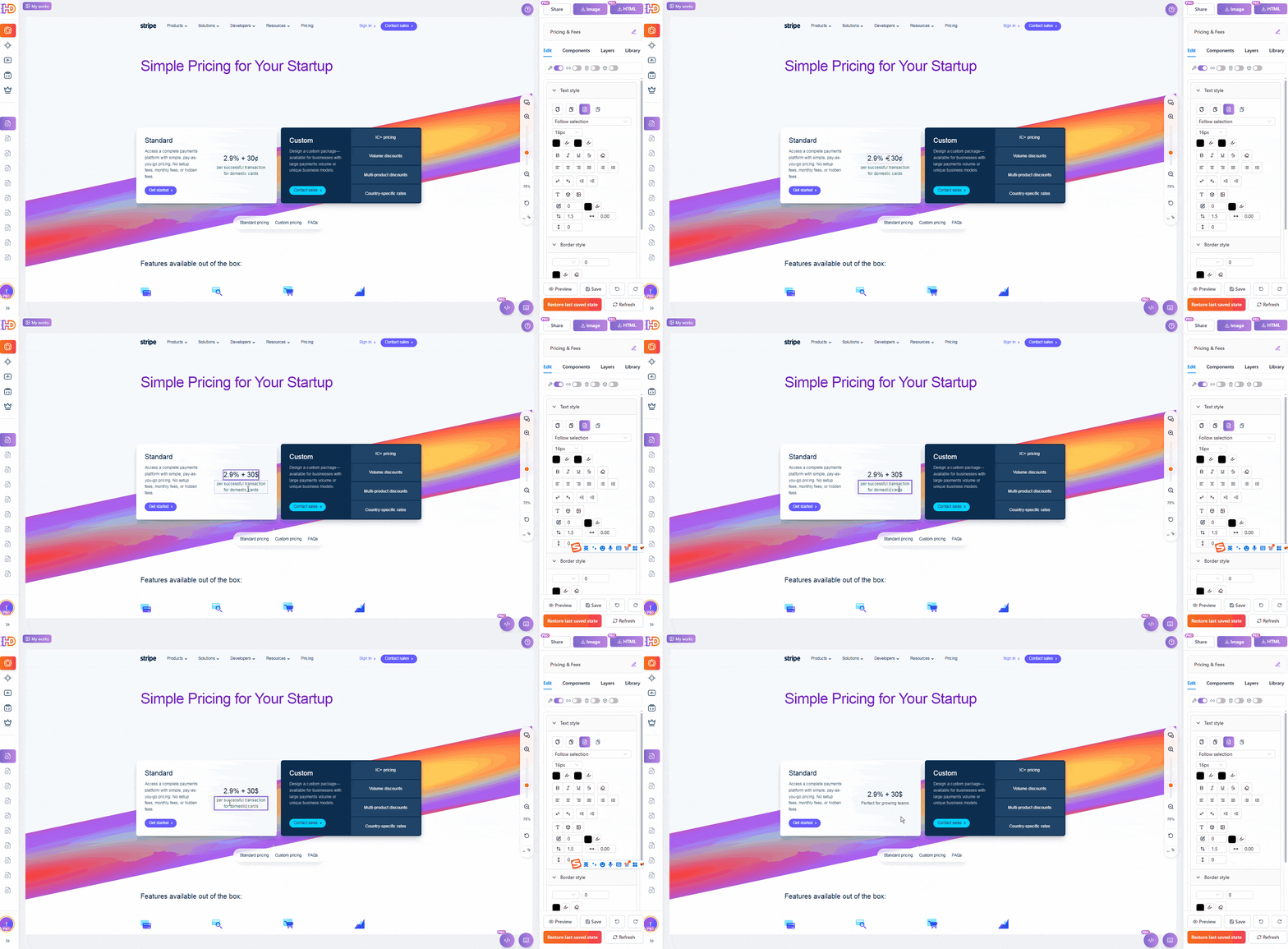
Prices, plan names, feature lists—all editable
Step 4: Update CTA Buttons
Change "Start now" to "Start Free Trial" or "Get Started"—whatever fits your conversion goal.
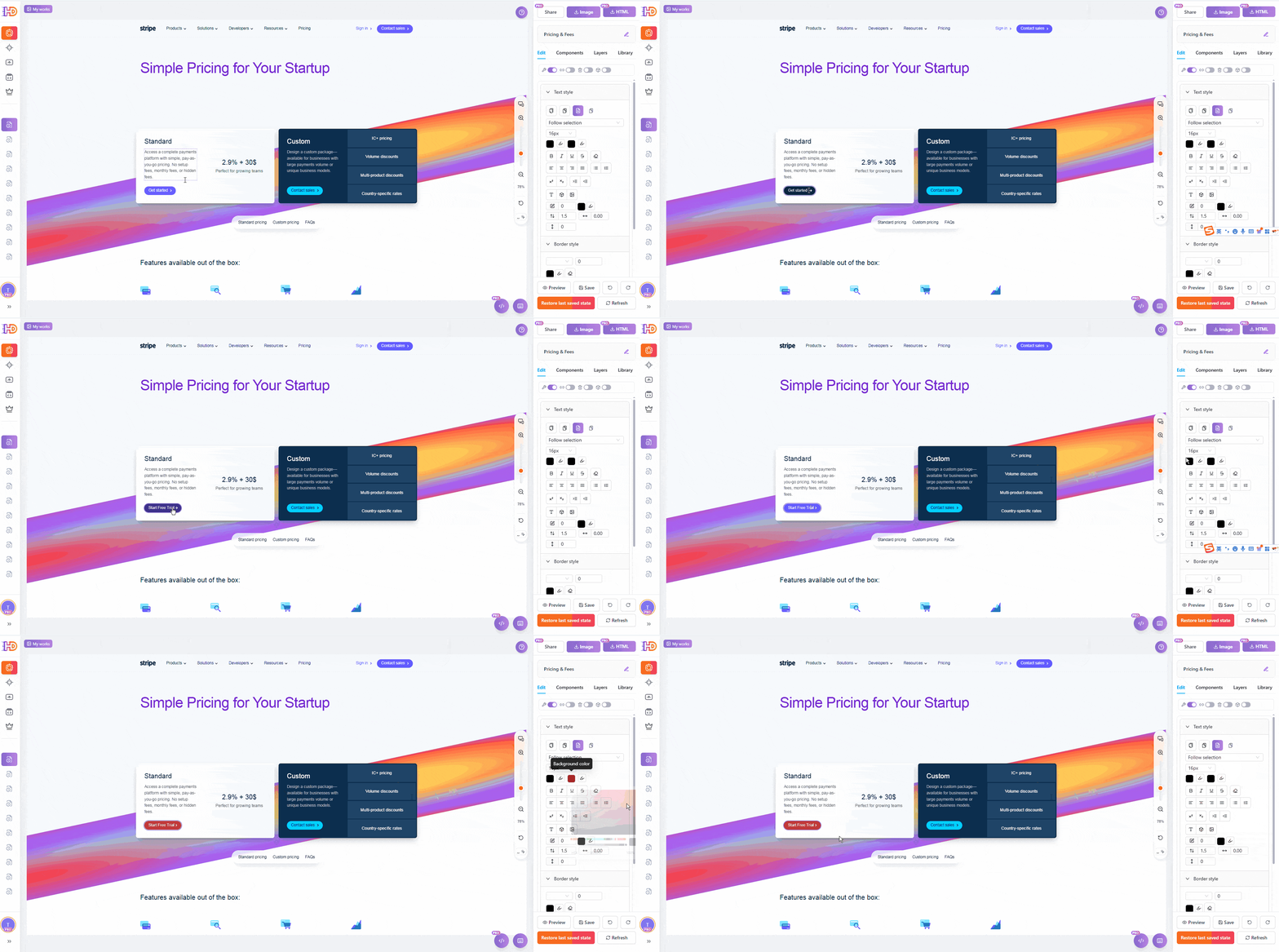
CTA button copy updated with one click
Step 5: Export and Deploy
Preview your changes, then export the HTML. Deploy to Vercel, Netlify, or drop it into your site directory.
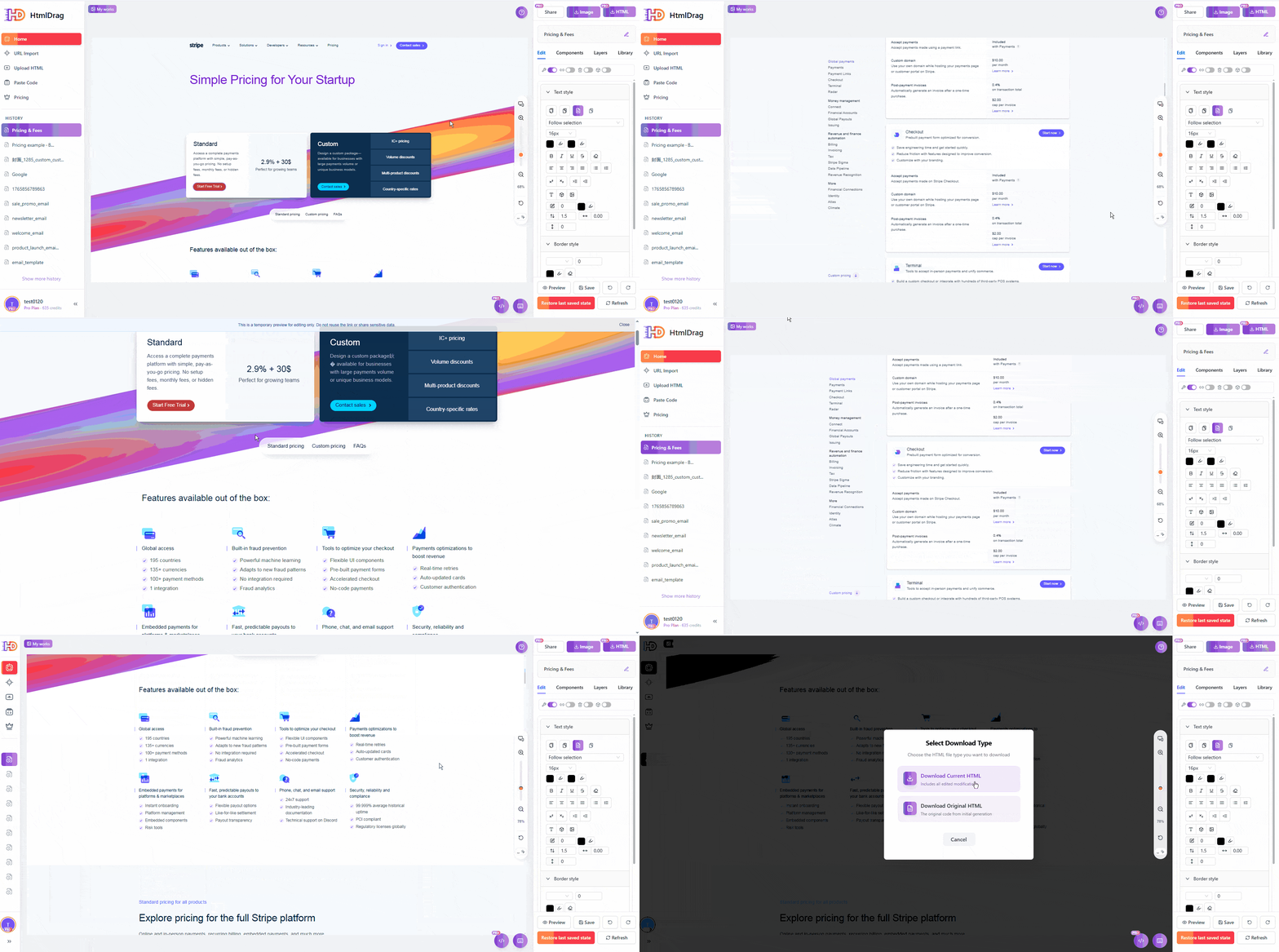
Export clean HTML, ready to deploy
The Result
In 5 minutes, you have a Stripe-style pricing page:
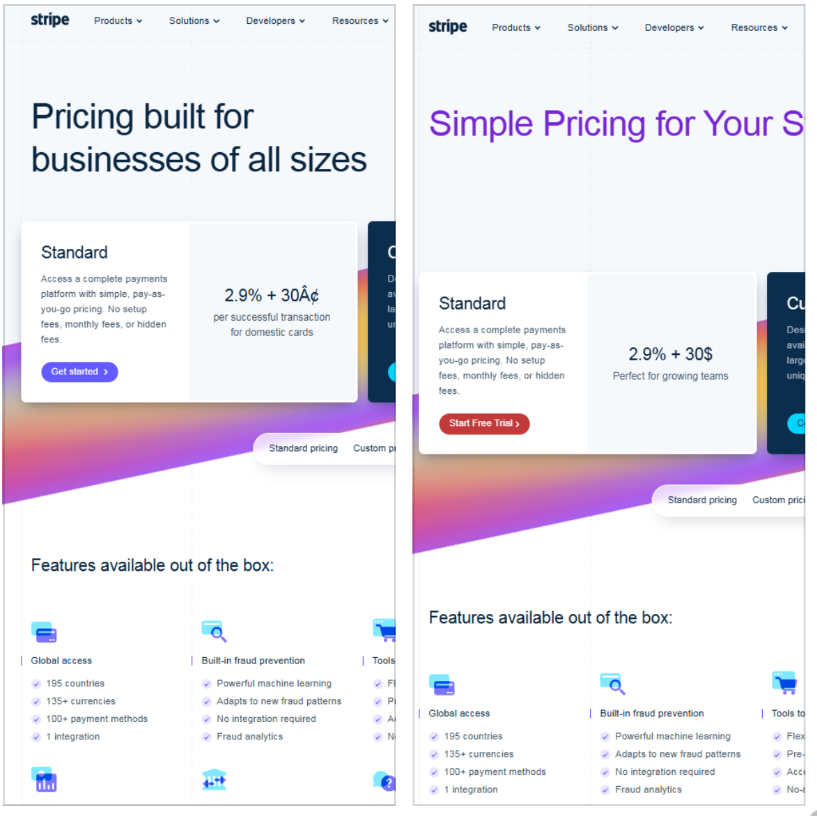
Professional pricing page—no designer, no code
Who Is This For
Indie Hackers / Solo Founders
- Ship a professional pricing page fast, spend time on product
- Reference industry-leading design without starting from scratch
- A/B test different pricing strategies easily
SaaS Startup Teams
- Launch MVP quickly, validate market fit
- No dependency on designers or frontend devs
- Save thousands in design costs and days of dev time
Marketers / Growth Teams
- Spin up landing pages fast
- No more waiting for dev sprints
- Update page content anytime
What Else Can You Import
Beyond Stripe, you can import:
- Notion, Linear, Figma — Reference top SaaS designs
- Competitor sites — Quickly build similar-style pages
- Template sites — Bootstrap, HTML5 UP, free templates
- Your own old pages — Import and edit to update
Get Started
Head to htmldrag.com and use "Get from URL" to import any web page. No signup required to try.
In 2026, speed is everything. Ship a professional pricing page in 5 minutes—that's efficiency.