
Tutorial
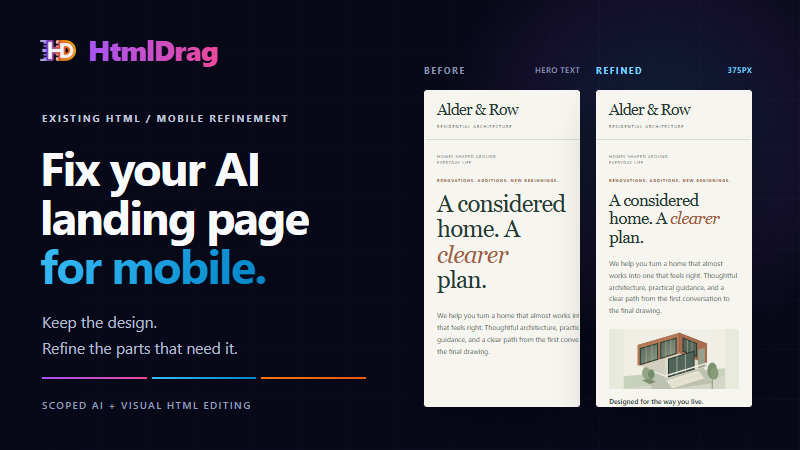
How to Fix an AI-Generated Landing Page on Mobile Without Rebuilding It
A practical guide to fixing AI-generated mobile landing pages. Diagnose layout bugs, unpin container widths, tune typography and SVGs, and export clean code.
Latest articles and tutorials
A practical guide to fixing AI-generated mobile landing pages. Diagnose layout bugs, unpin container widths, tune typography and SVGs, and export clean code.
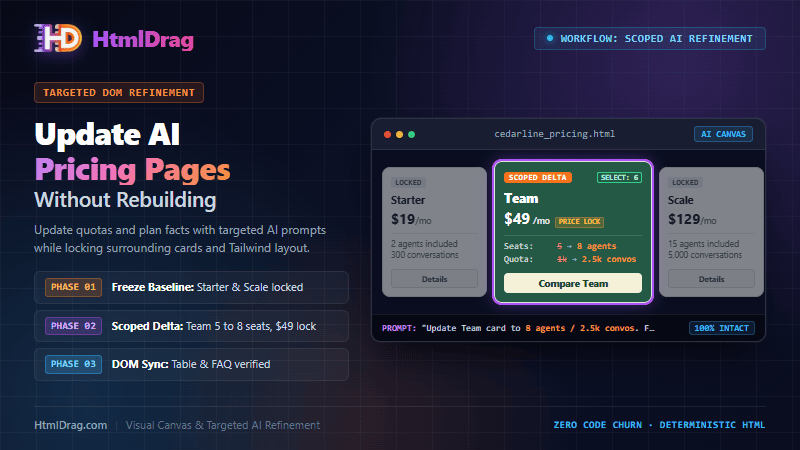
A battle-tested guide to updating AI-generated SaaS pricing pages. Establish fact contracts, scope DOM prompts, synchronize cards with tables, and export clean code.
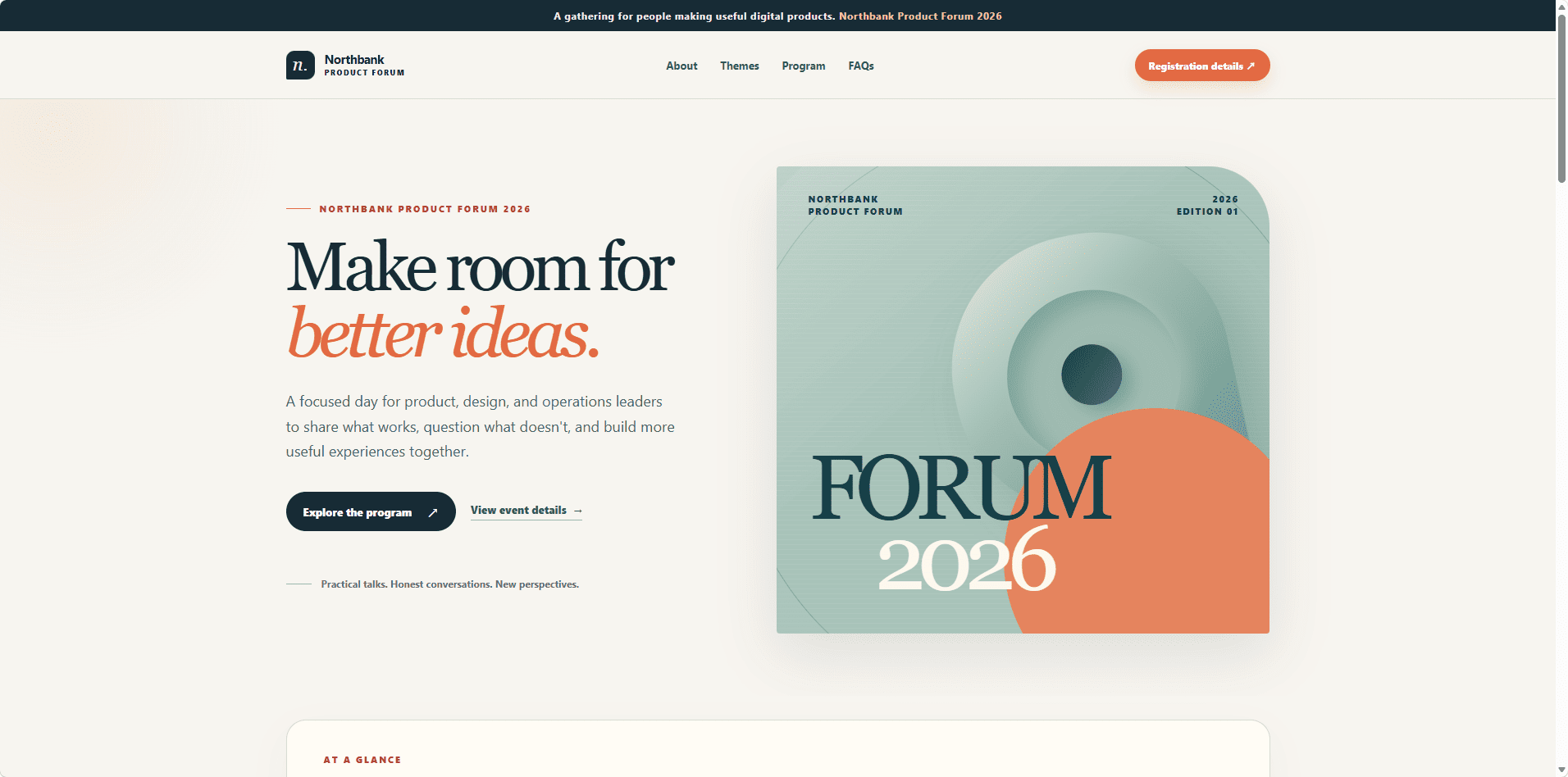
A battle-tested methodology for iteratively refining AI-generated HTML pages. Scope prompts, guard DOM structure, verify checkpoints, and export clean code.
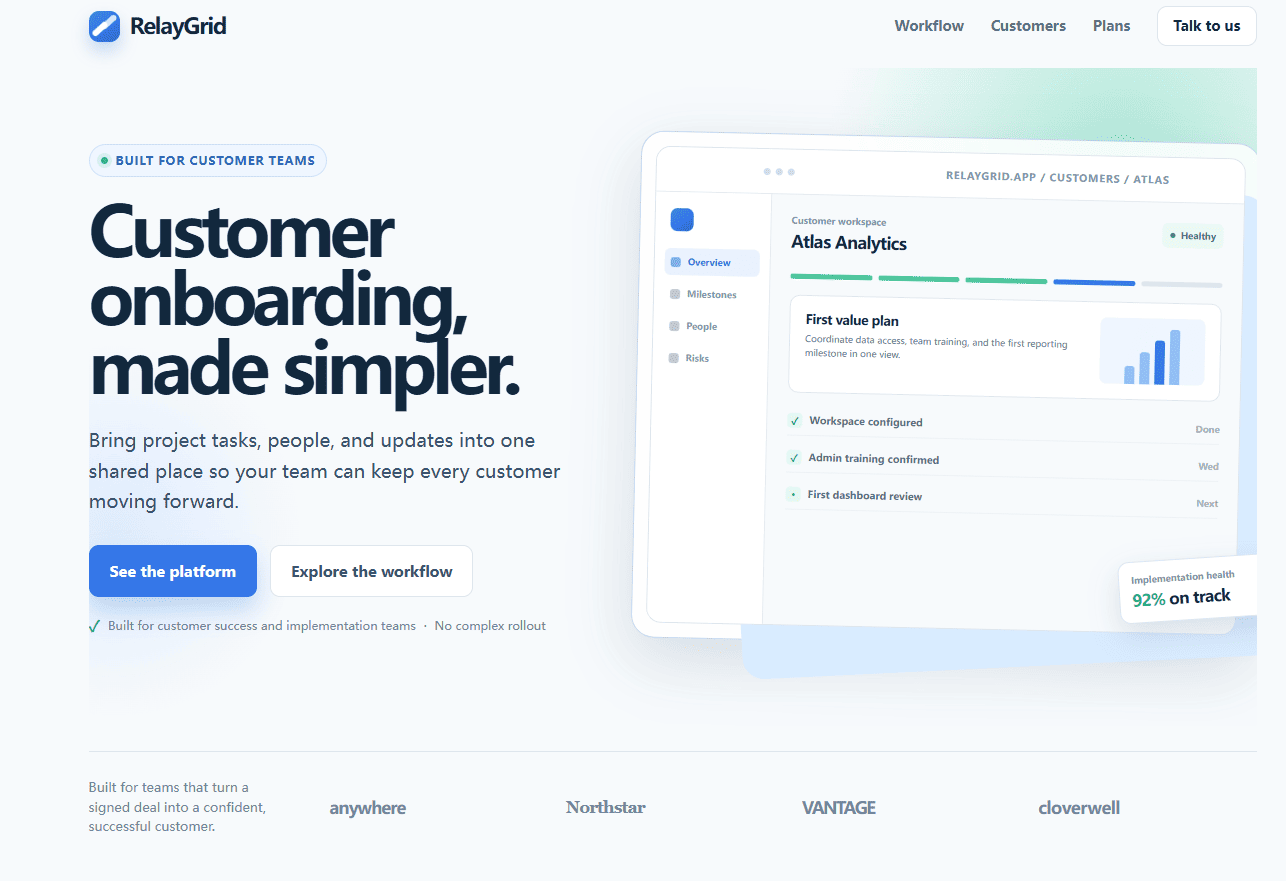
Learn how to make surgical, scoped edits to AI-generated landing pages without triggering full-page rewrites. Upload existing HTML, isolate elements with visual markers, iterate safely, and finish with a visual editor.
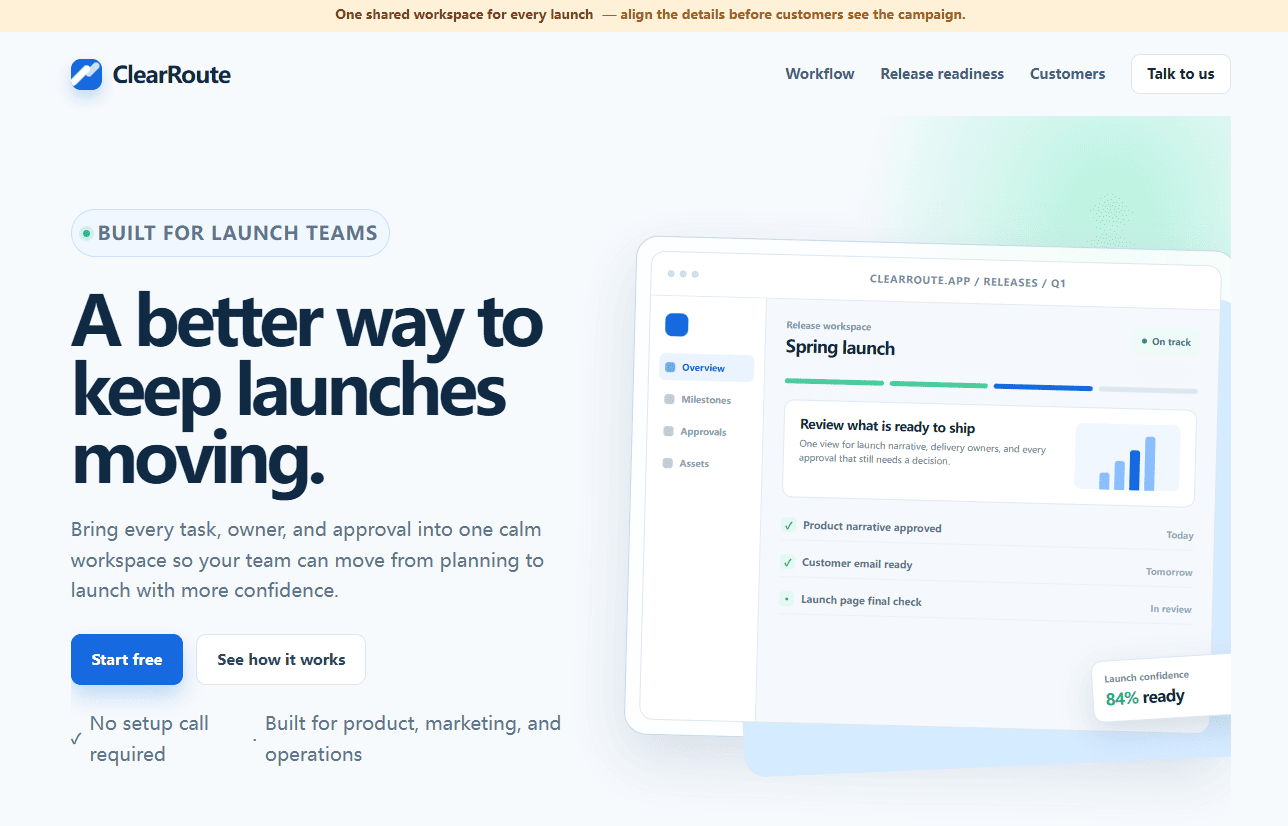
Use a visual QA pass to refine an AI-generated landing page before launch: paste existing HTML, clarify the hero and CTA, remove duplicate UI, add only useful details, preview, and export.
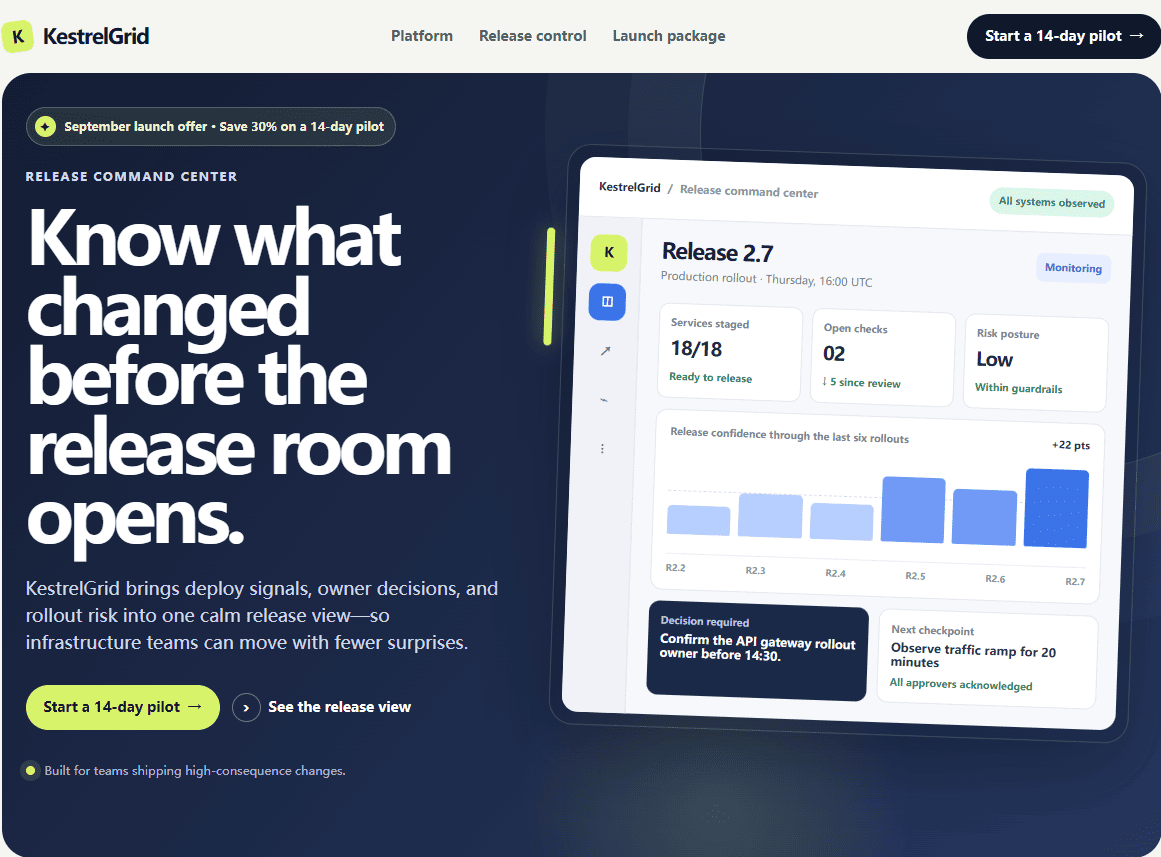
Update an AI-generated landing page after an offer changes. Upload existing HTML, refine visual emphasis, add campaign details, preview, and export without rebuilding the page.
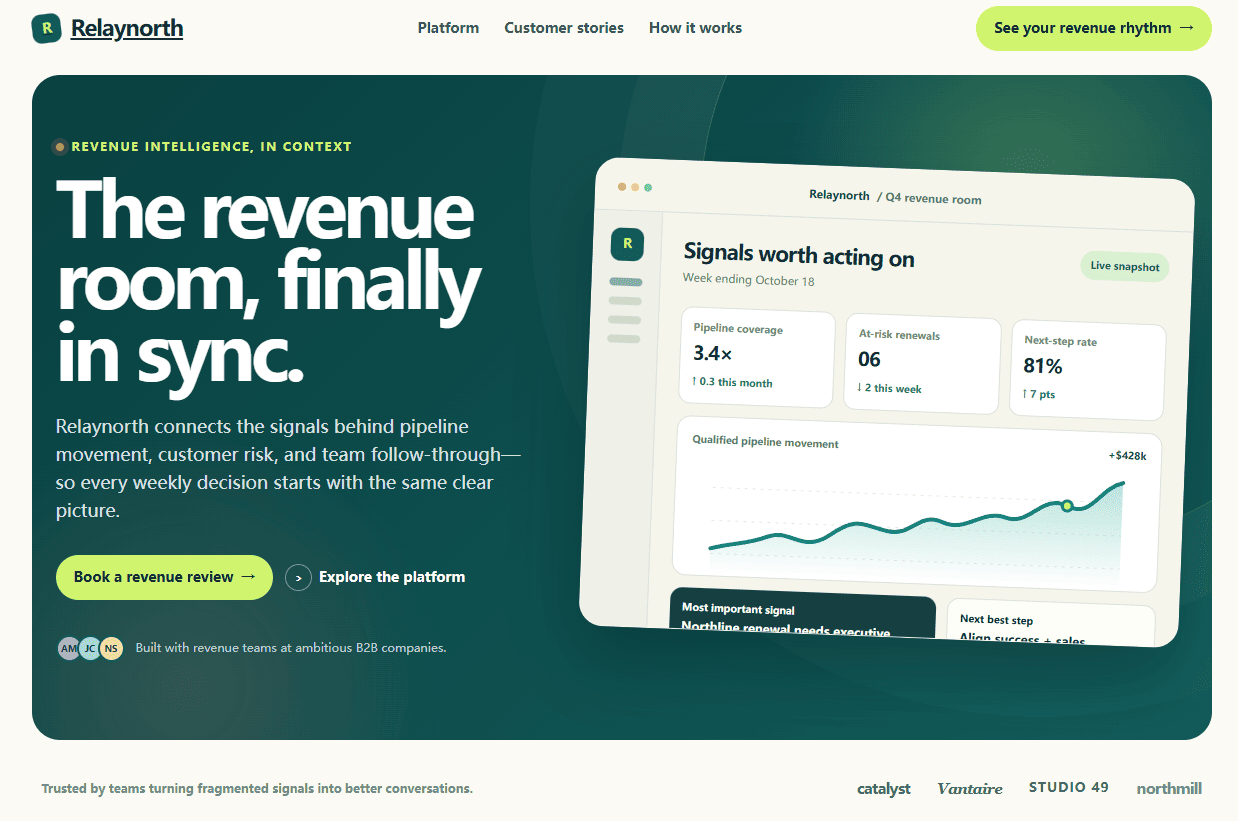
Paste HTML from ChatGPT, Claude, or an AI website builder into a visual editor, refine the visible page, preview it, and export without starting the prompt over.
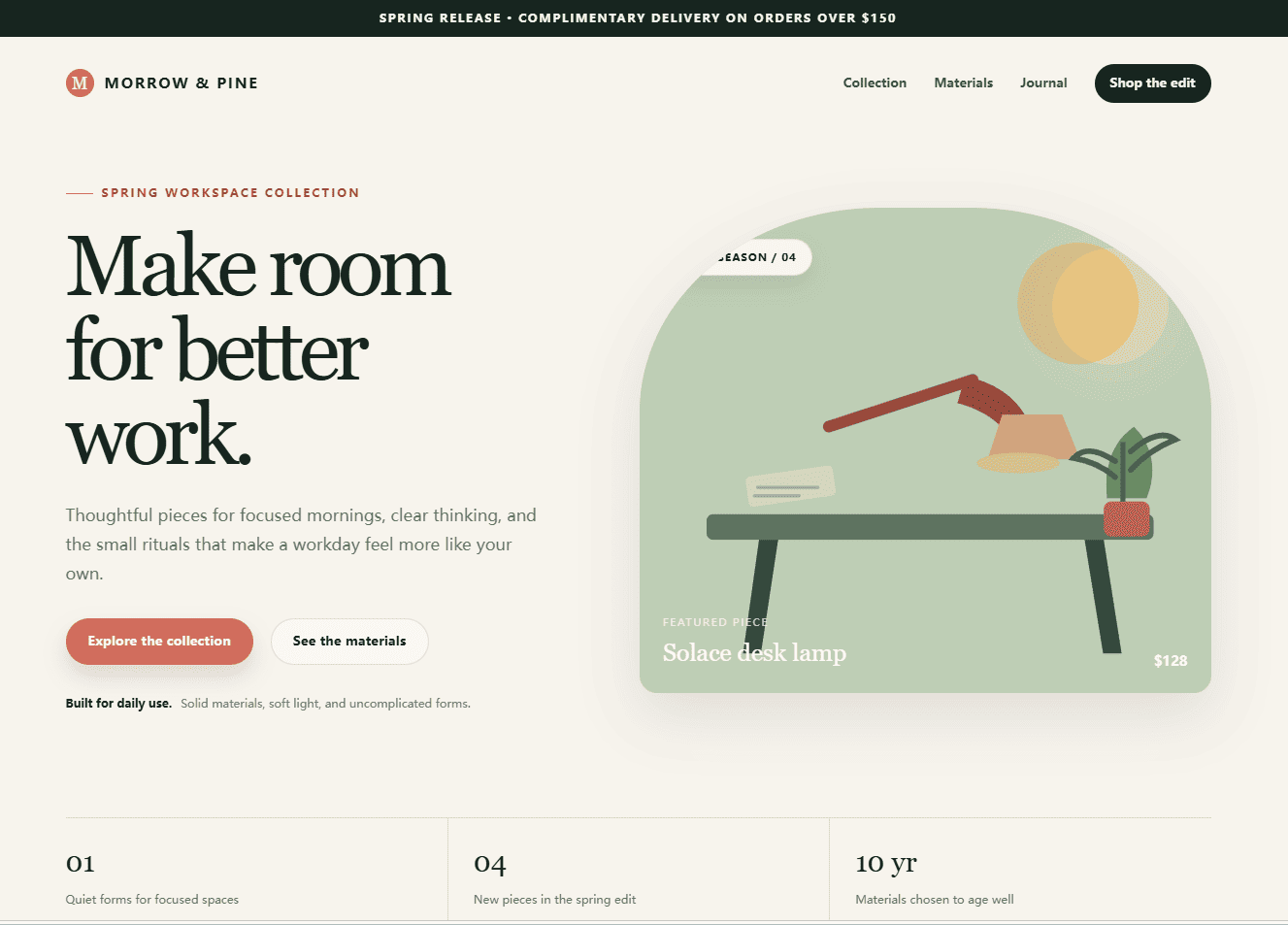
Learn how to turn an existing HTML page into an editable visual canvas, refine text, images, layout, and styling without rebuilding the page, then preview and export the edited HTML.
A practical URL import workflow for turning an accessible webpage into an editable working copy, refining visible content, and exporting HTML without rebuilding from scratch.
A practical visual workflow for editing an existing HTML template, replacing images, adjusting layout, and checking the result without rebuilding the page.
A practical workflow to upload an AI-generated HTML page, edit text, colors, and images visually, then preview it before export.
Learn how to upload existing HTML and edit it visually without coding when a page contains SVG, Canvas, IFrames, positioned elements, and nested tables.