
Tutorial
The Last 20% of an AI-Generated Web Page Is Still Human Work
AI can generate the first HTML page draft, but humans still need to refine copy, CTA, visual hierarchy, section clarity, and final delivery. See how teams review it visually.
Latest articles and tutorials
AI can generate the first HTML page draft, but humans still need to refine copy, CTA, visual hierarchy, section clarity, and final delivery. See how teams review it visually.
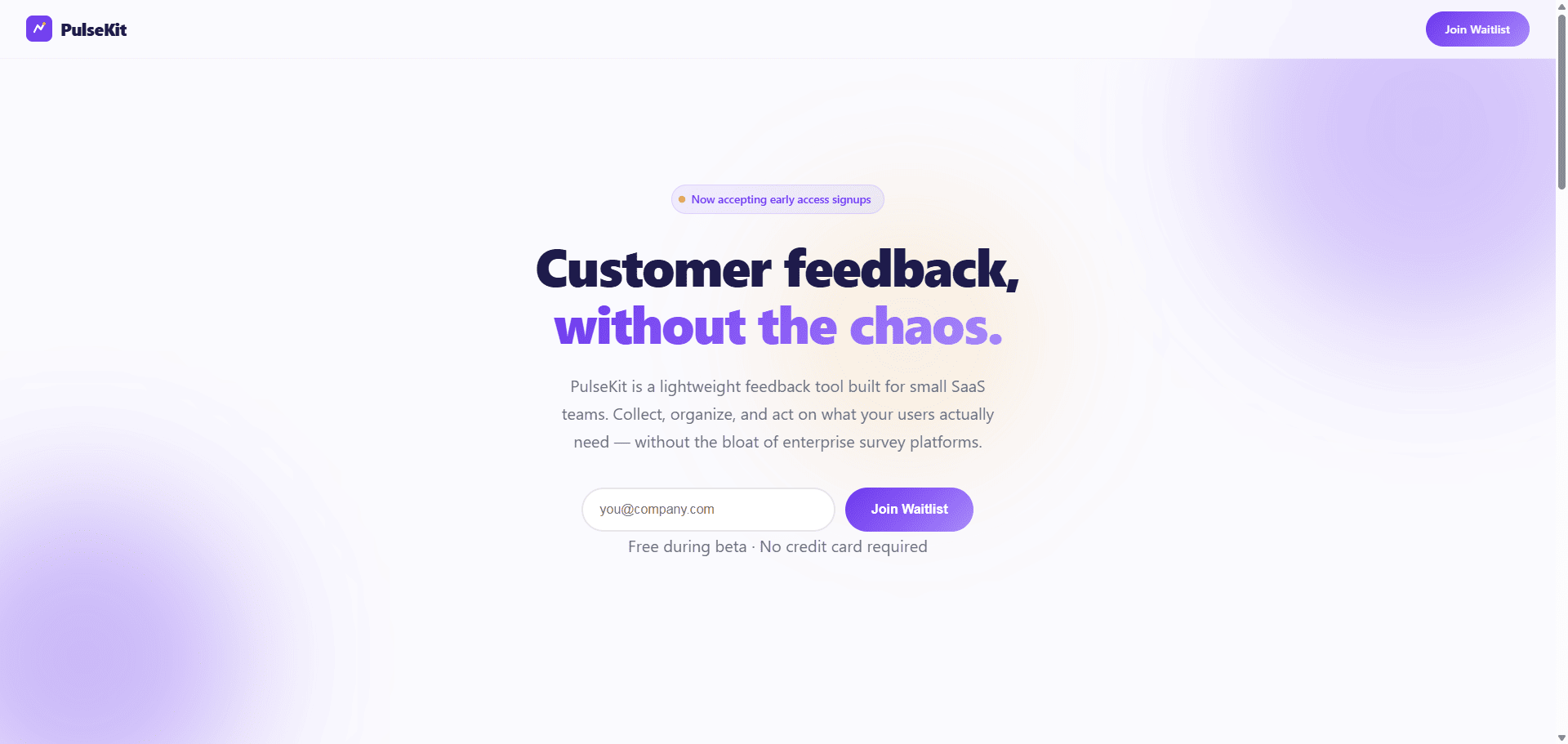
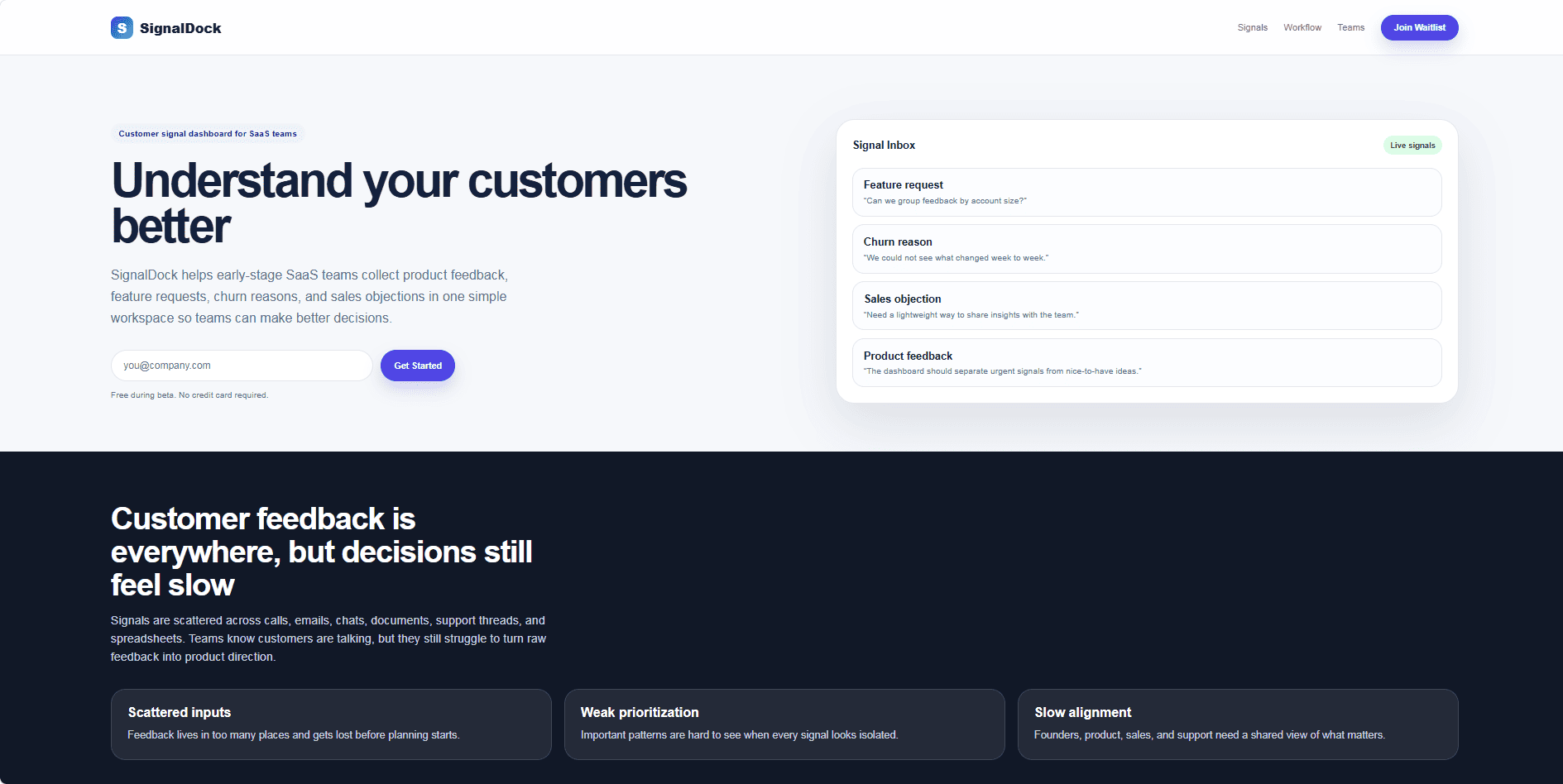
See how HtmlDrag helps non-developers turn an AI-generated HTML page into a polished draft by editing copy, CTA text, colors, sections, preview, sharing, and export.
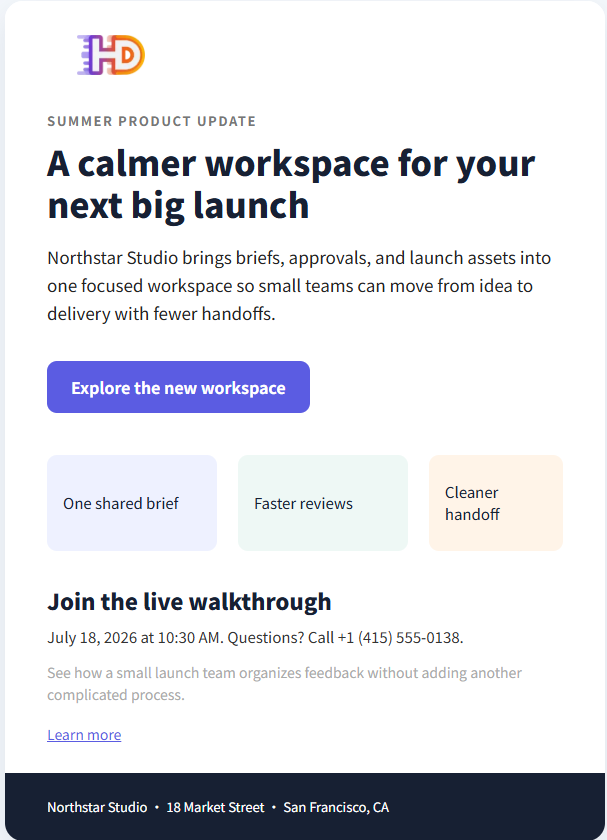
See how HtmlDrag checks an oversized HTML email for Gmail clipping, missing ALT text, font fallbacks, dark mode, and Outlook risks, then applies selected fixes locally.
Use HtmlDrag to review an existing HTML page with ChatGPT, Claude, or Cursor: import a URL, edit visually, create a read-only AI snapshot, and avoid pasting massive HTML blocks.
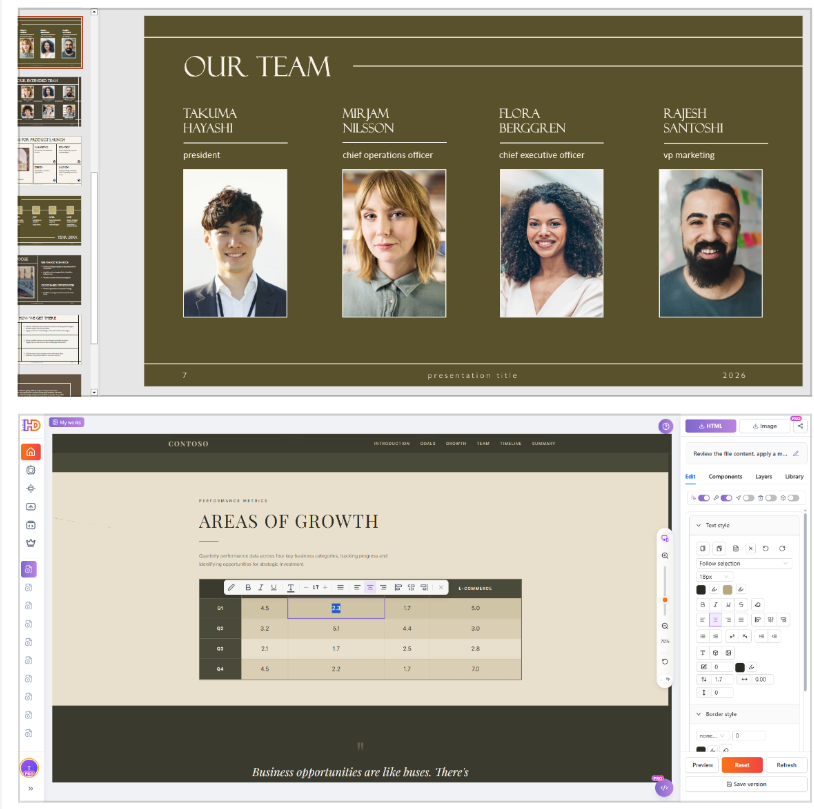
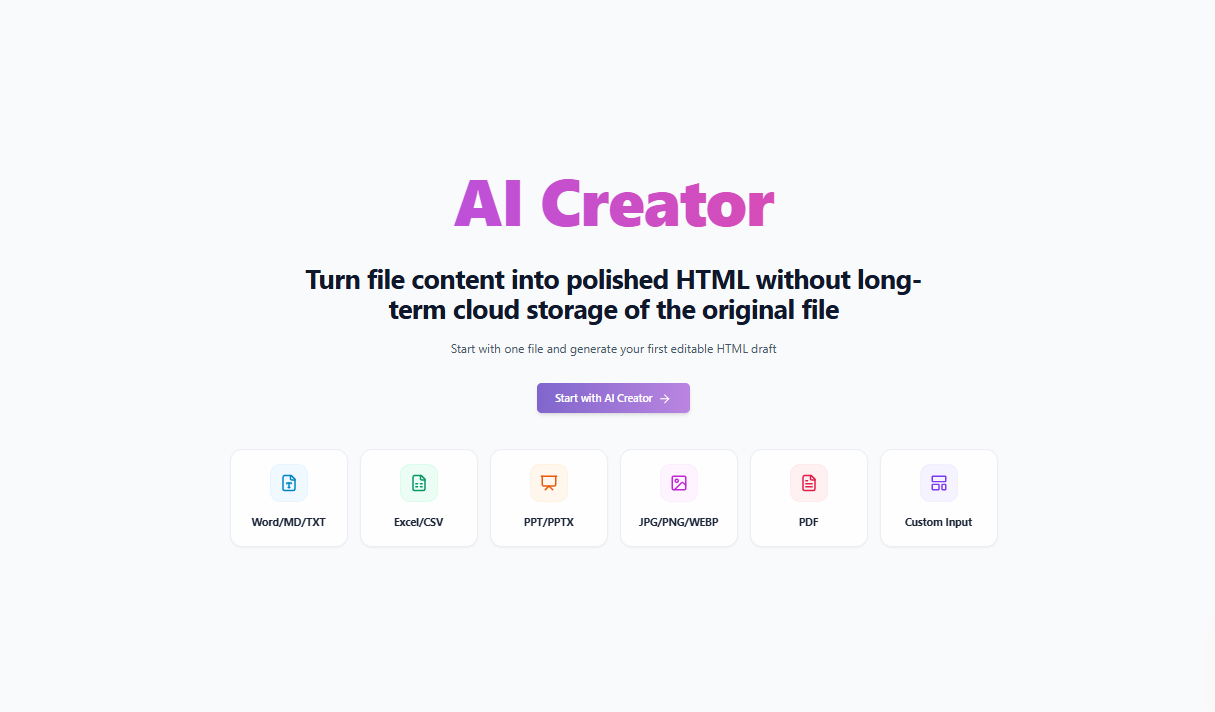
Learn to convert a PowerPoint or PPTX deck into an editable HTML page: upload PPTX, let AI Creator read your slides, preview, then visually edit text, HTML tables, and colors.
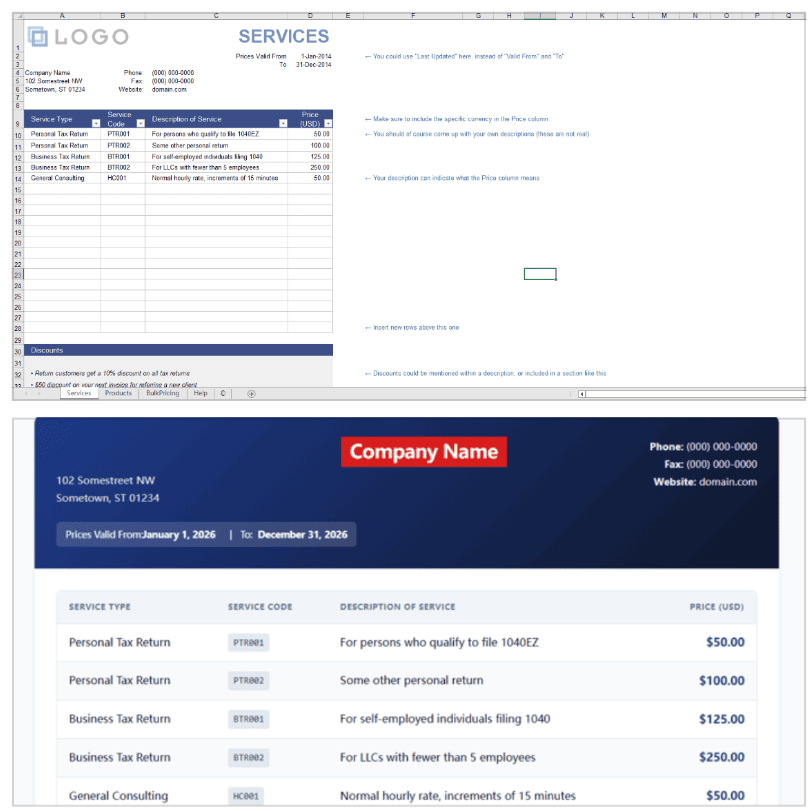
Learn to convert an Excel service price table or quotation list into an editable HTML page: upload XLSX, let AI Creator extract service items, preview, and visually edit style.
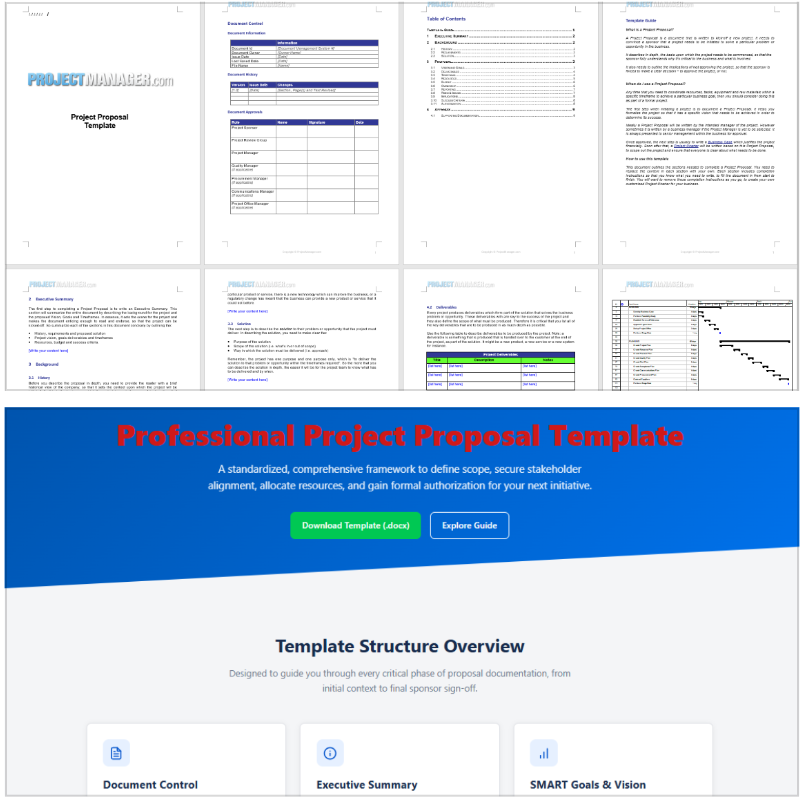
Turn a Word project brief into an editable HTML landing page: upload DOCX, let AI Creator read audience, value points, sections, and CTA, then preview, edit, share, export HTML.
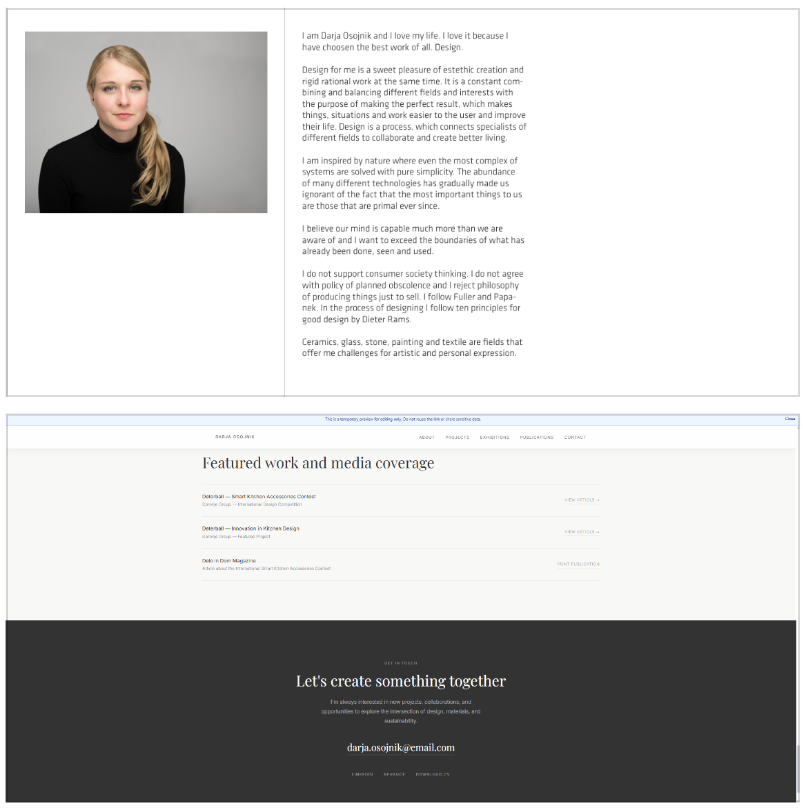
Turn a resume or portfolio PDF into an editable personal website: upload the file, let AI read your profile, generate web sections, preview, edit, share, and export HTML.
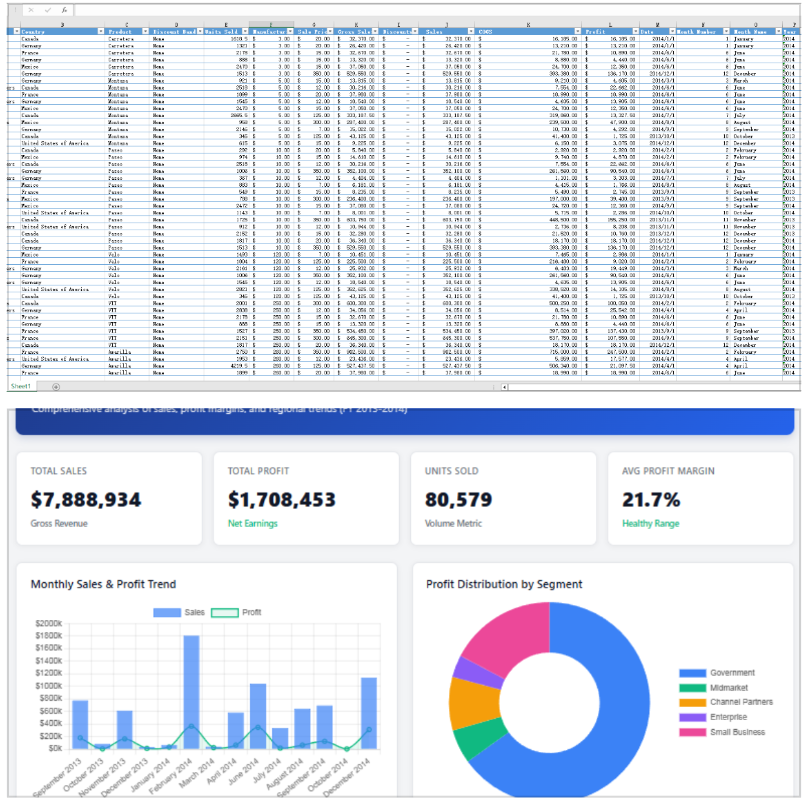
A practical guide to turning an Excel workbook into an editable HTML data landing page: upload XLSX or CSV, let AI parse the table, generate the page, and refine it visually.
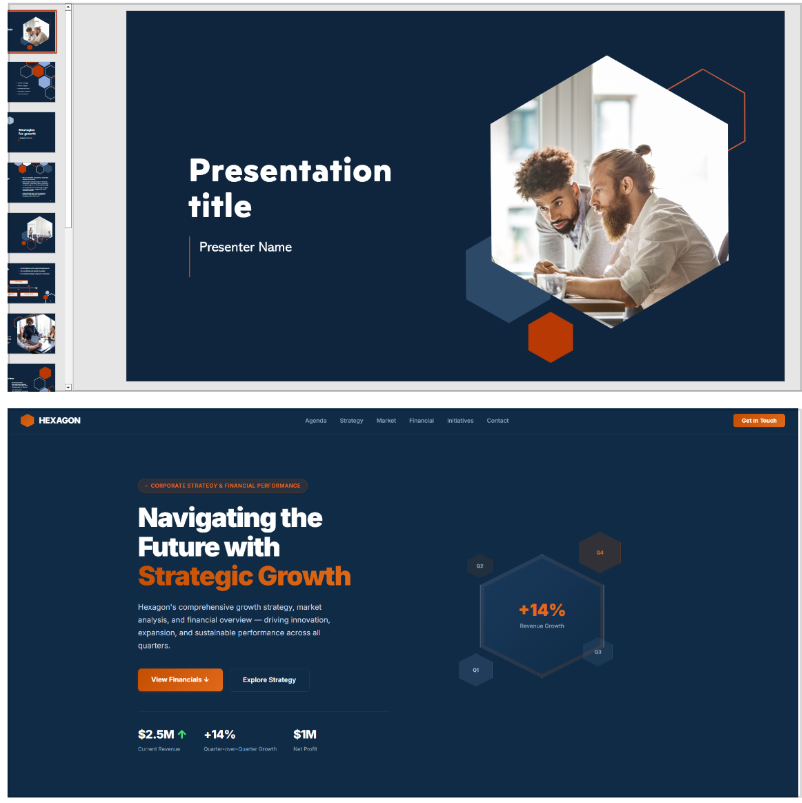
Learn how to turn a PPTX presentation, product launch deck, business pitch deck, or campaign presentation into an editable HTML landing page with HtmlDrag AI Creator File Mode.
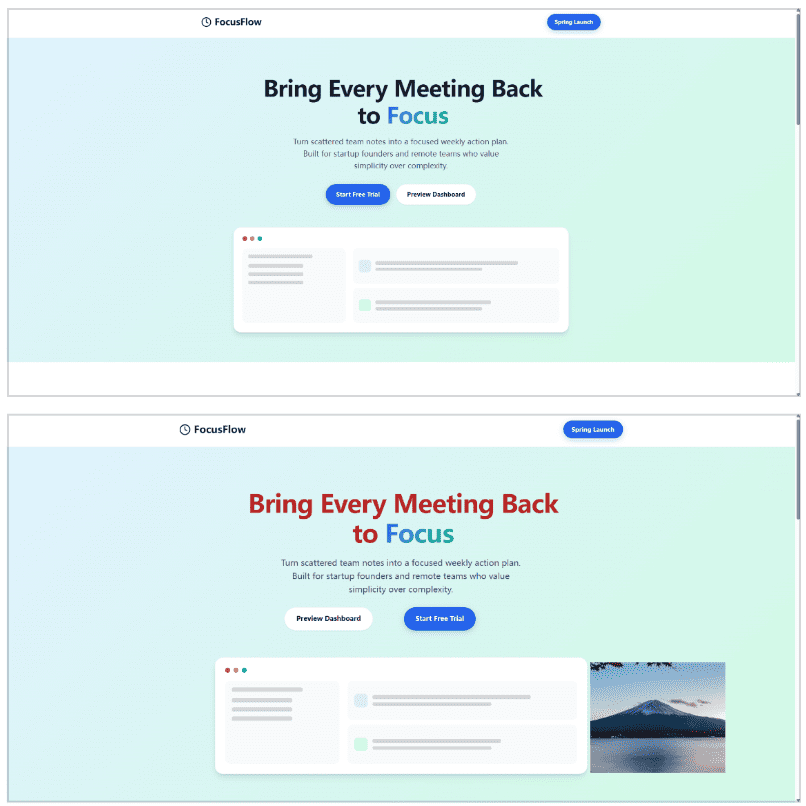
A practical guide for turning a marketing plan, product launch brief, or campaign document into an editable HTML landing page with HtmlDrag AI Creator File Mode, then refining text, images, layout, and CTA sections visually without coding.
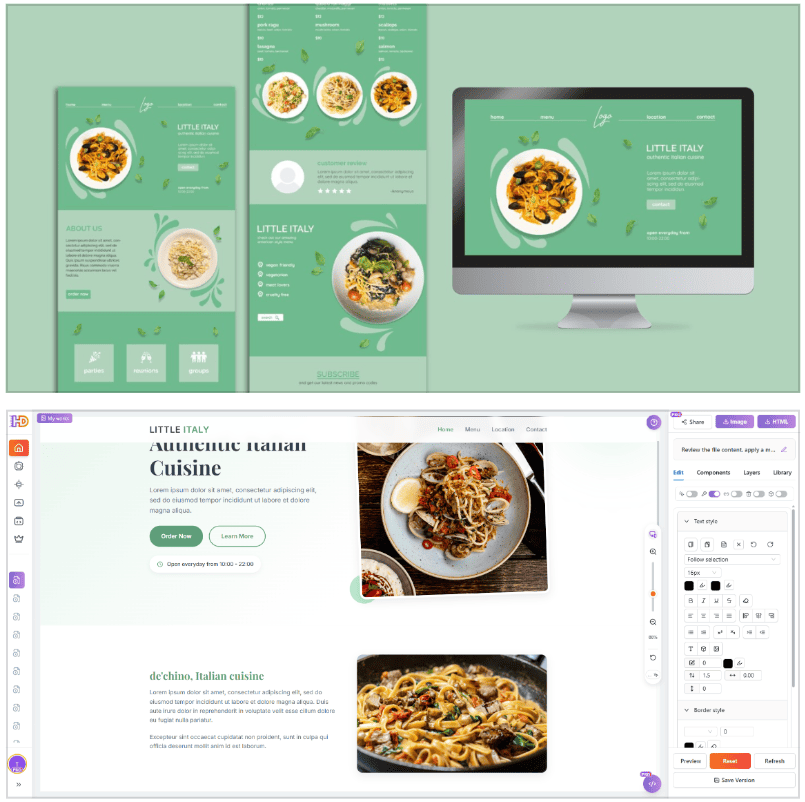
A practical guide to turning a design mockup, promo poster, or reference screenshot into a working HTML landing page without writing code. Upload an image to AI Creator File Mode, optionally add a short intent note or a brief document, turn on Thinking for denser materials, and generate a preview-ready landing page you can continue to refine visually.